

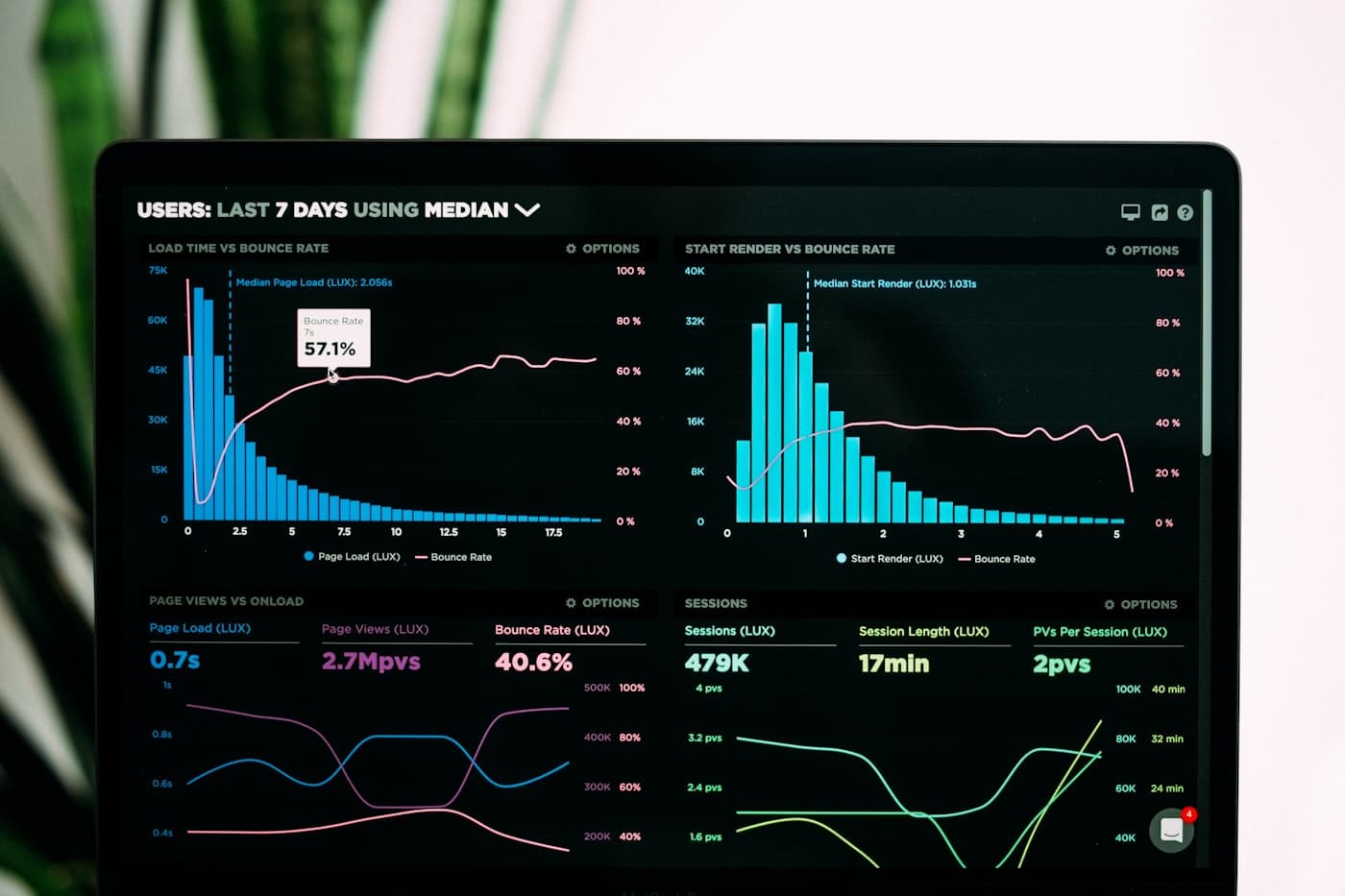






A cinematic site that stutters is worse than a static one. Motion is a promise — and a dropped frame breaks it.
Measure before you optimize
Never guess. Profile with the tools built into your browser first:
# Build-time: bundle & module analysis
npx next build --debug

# Runtime: frame-by-frame GPU profiling
chrome://tracing
The checklist we run on every WebGL scene
- One renderer, one loop — never two
requestAnimationFrameloops fighting - Geometry on a budget — merge meshes, share materials, cap draw calls
- Textures in the right format — ASTC / ETC1 compressed,
power-of-two, mipmapped - Lights are expensive — fake them with emissive materials and shader tricks
- No layout thrash — animate
transformandopacityonly, usewill-changesparingly - Lazy-load everything — nothing heavy mounts before it's on screen
The numbers that matter
| Metric | Good | Great |
|---|---|---|
| FPS (mid-tier phone) | 45 | 60 |
| First contentful paint | < 1.5s | < 0.9s |
| Total bundle (wasm + js) | < 1MB | < 400KB |
| Draw calls per frame | < 150 | < 60 |
Final word
Performance is a design decision, not a QA step. Decide at the start of the project — retrofitting 60fps after launch is a rewrite wearing a costume.
want more like this?
start a project